Online Induction >> Online Induction Tutorials
Step 1
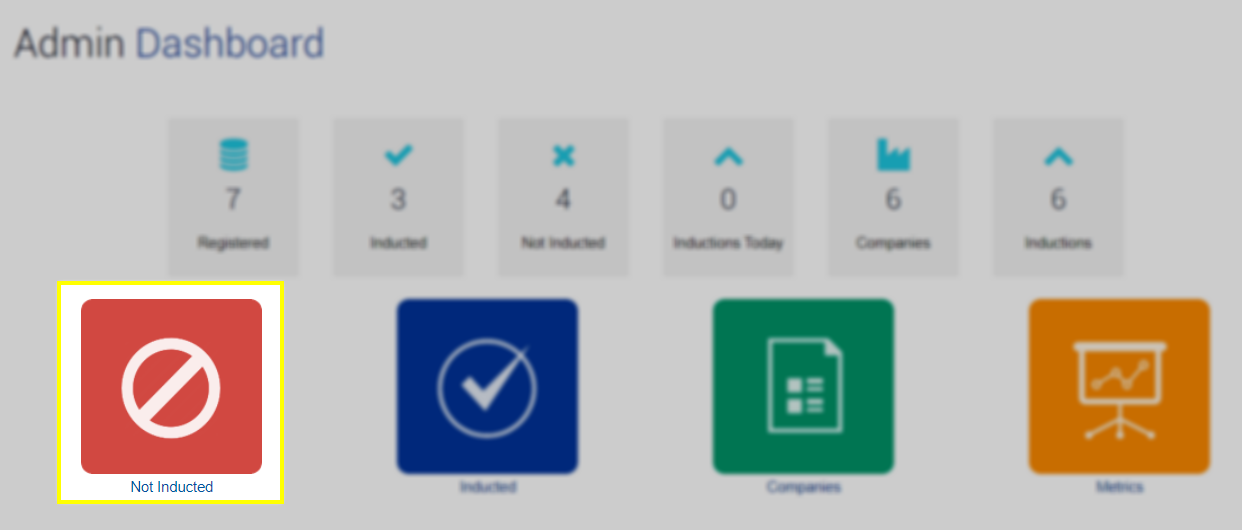
Navigate to the Not Inducted or Inducted tile located at the top of the Admin Dashboard home page.
Step 2
Highlight the users you wish to bulk assign by holding shift or control and clicking on the user/s. *Handy tip first filter your users using the filter tool (ie by induction type) to sort the users you wish to apply this too.
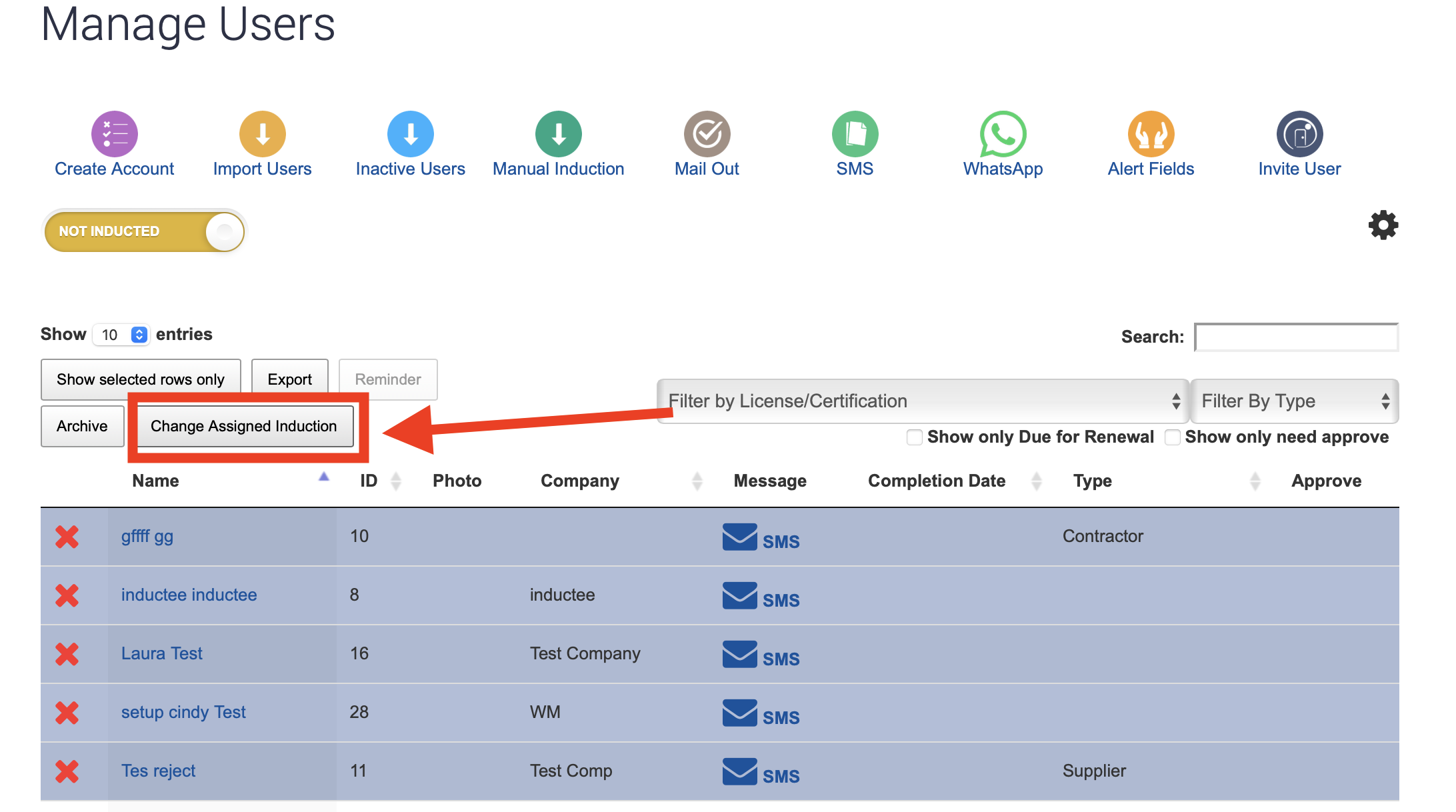
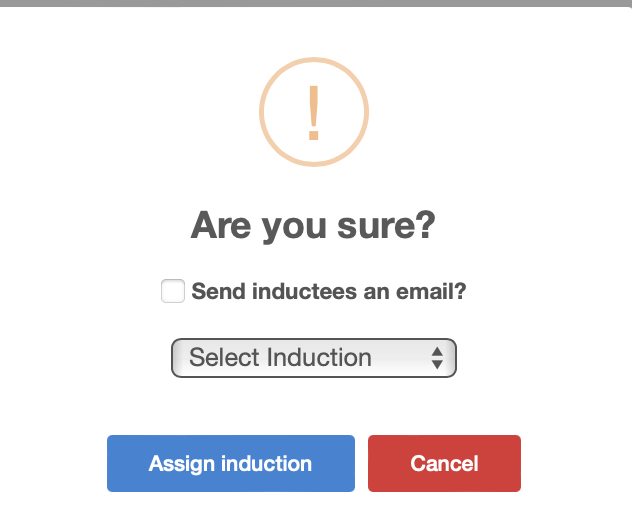
Once highlighted click the Change Assigned Induction. Here you will be prompted to which induction type to reassign the users too and whether you would these users to be notified of this via email:
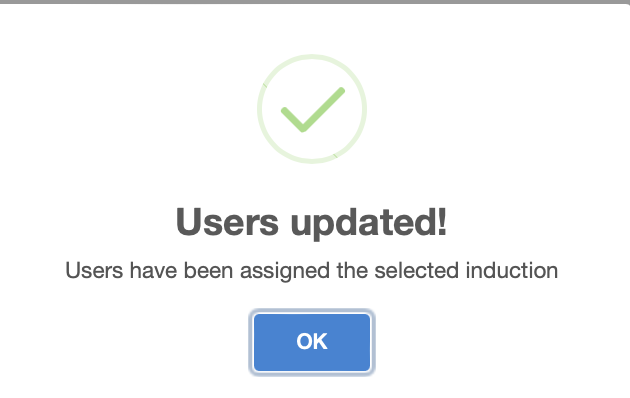
A confirmation message will appear you change has been accepted by clicking assign induction
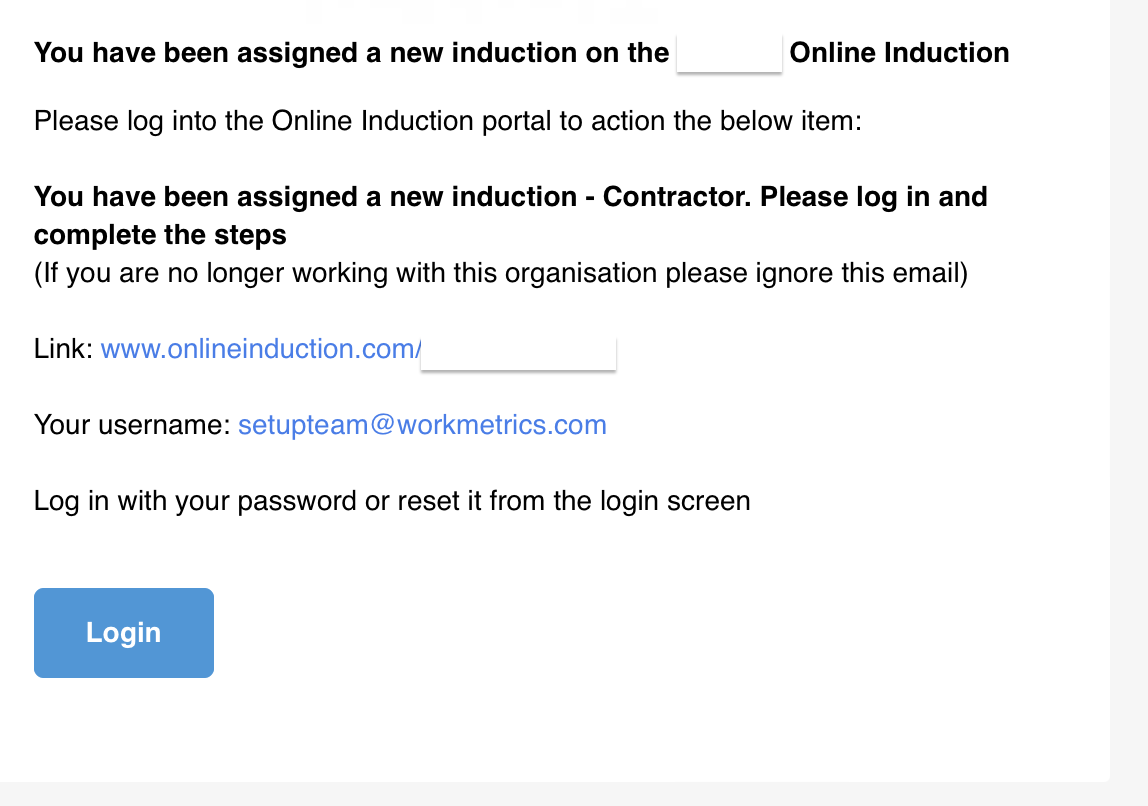
A sample of this email notification is pictured below:

Safety matters in and outside the workplace - read the full article here.
Our latest article talking about what insights and lessons learned. Check it out right here.
Check out our latest article about the best company induction design tips.
Check out our latest article about enhancing contractor management through mobile technologies.