Online Induction >> Online Induction Tutorials
Log into the Admin Dashboard and click Set up/Manage Content
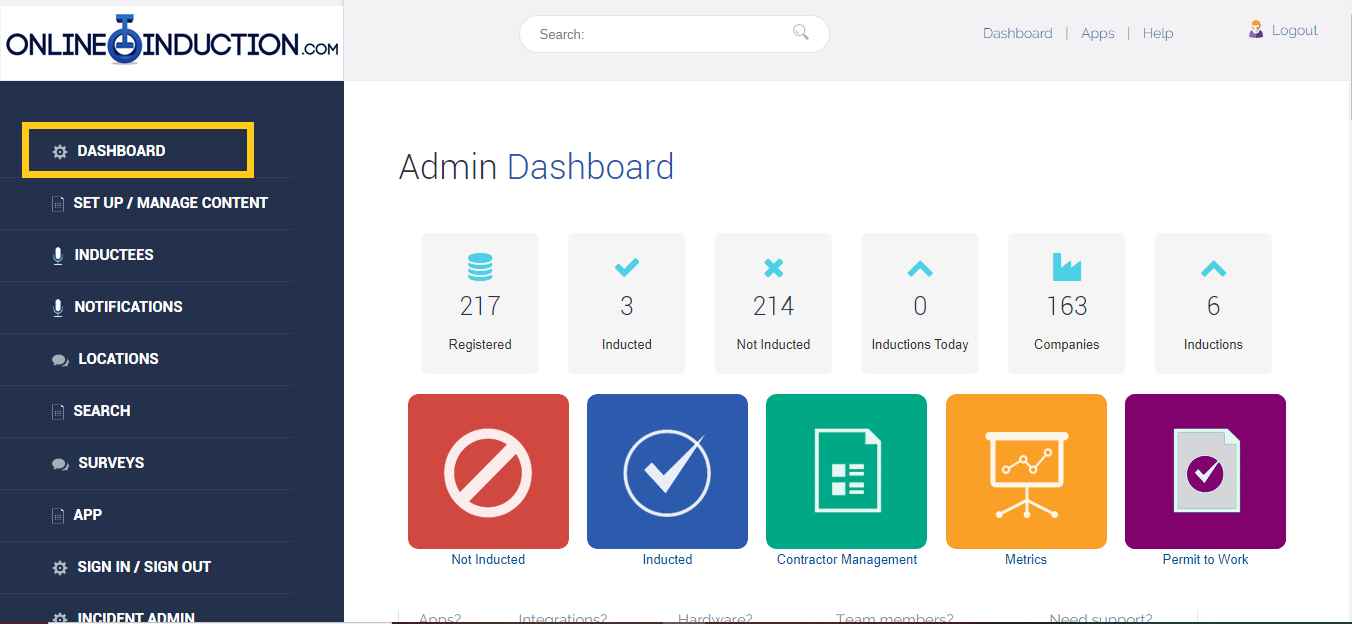
Click Manage Induction Content

Navigate to the induction name you would like to change and click the pencil icon next to Step Name
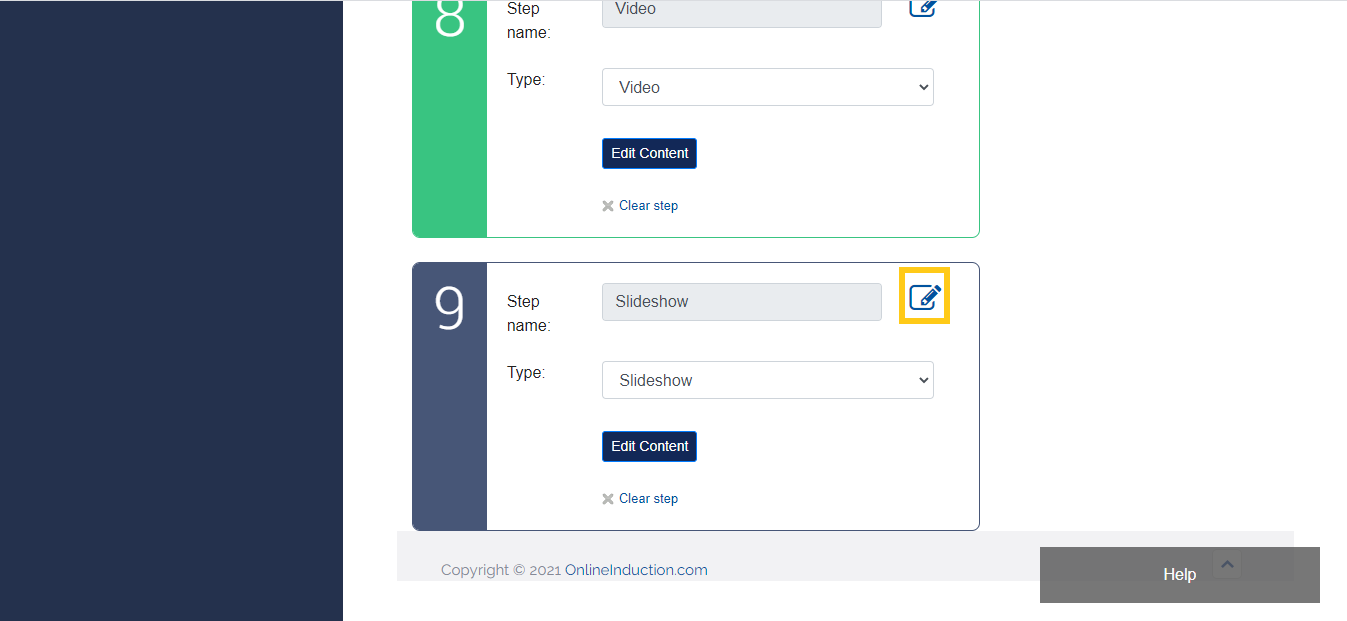
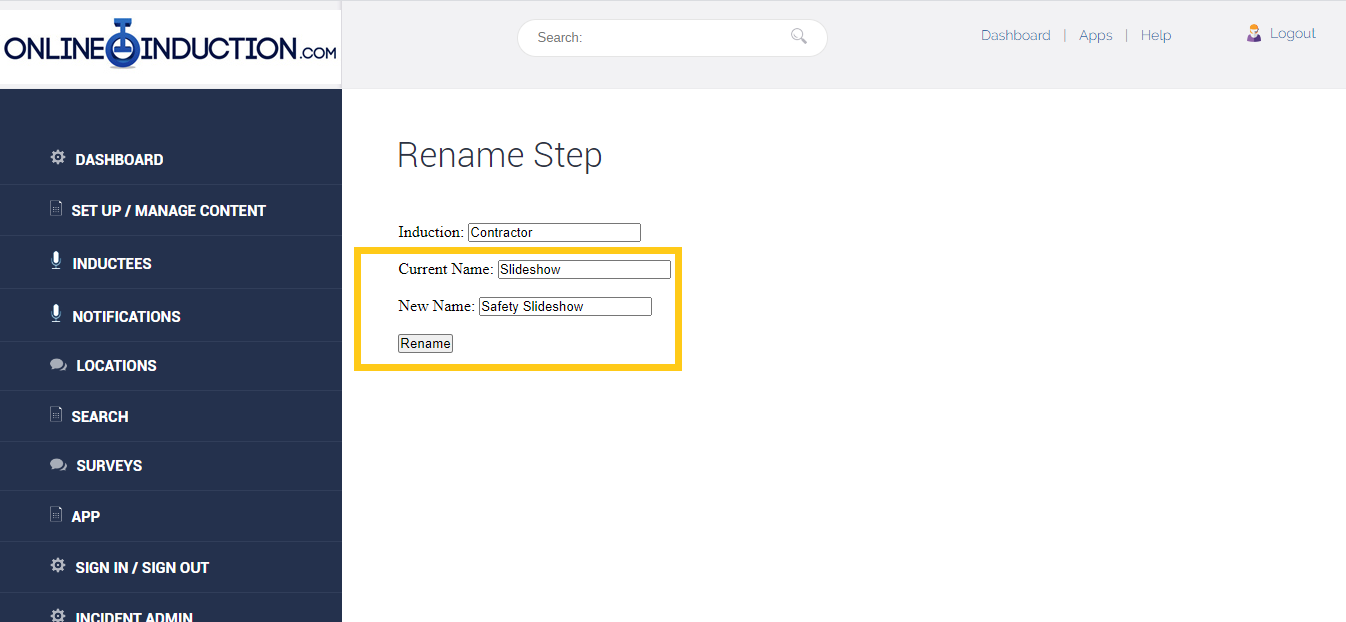
In the New Name box input the name you would like to change the step name to and click Rename
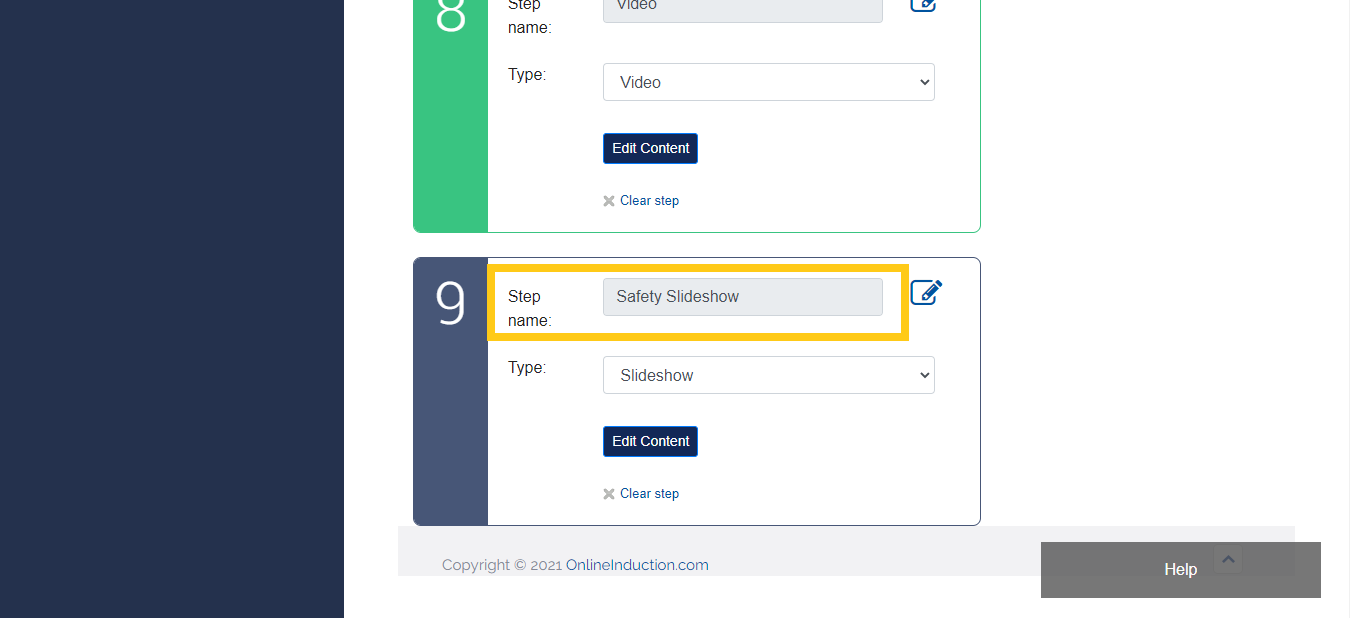
You should see the Step Name has been changed

Safety matters in and outside the workplace - read the full article here.
Our latest article talking about what insights and lessons learned. Check it out right here.
Check out our latest article about the best company induction design tips.
Check out our latest article about enhancing contractor management through mobile technologies.