Online Induction >> Online Induction Tutorials
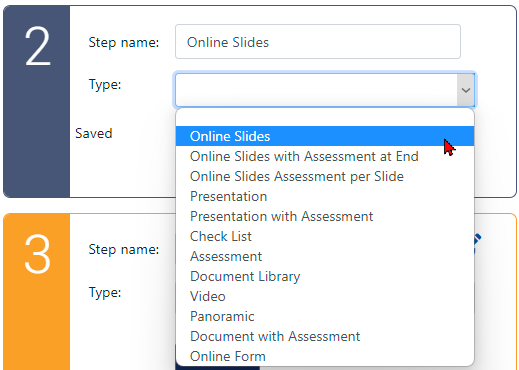
1. From the Manage Induction page, create a new (or edit an existing) step and select the "Online Slides" option. Be sure to also enter a name for the step in the "Type" field.
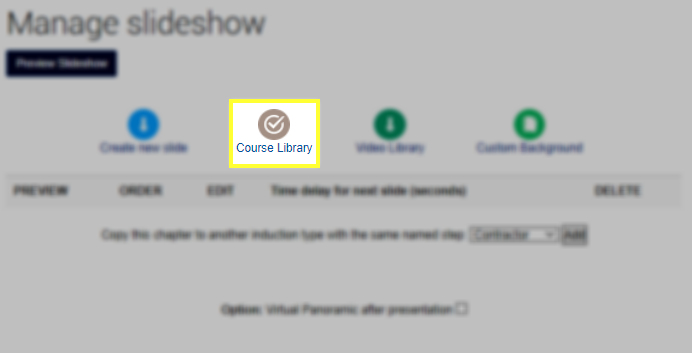
2. After clicking the Edit Content button, click on the Course Library menu button.
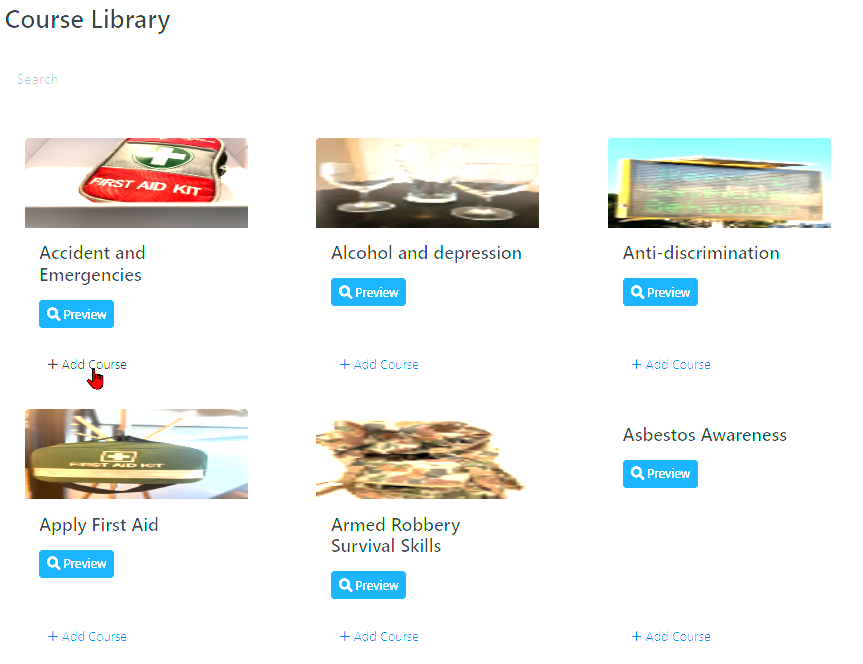
3. A new page will load featuring all available course templates. After locating a suitable template (templates can be previewed by clicking the blue "Preview" button), click the "Add Course" button.
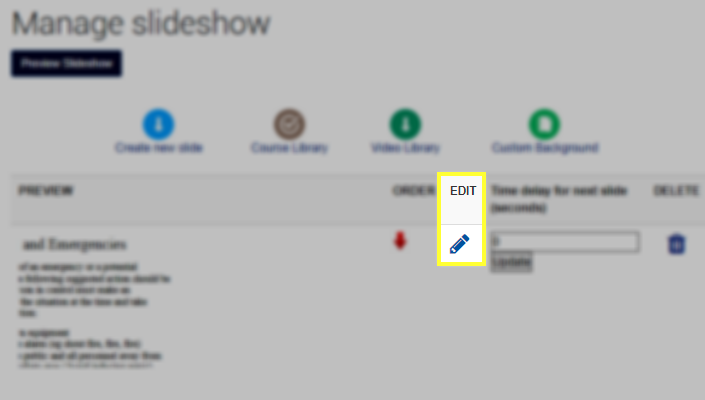
4. Added slides can be edited by clicking the "Edit Step" button under the new step and then the blue pen next to the desired slide
 .
.

Safety matters in and outside the workplace - read the full article here.
Our latest article talking about what insights and lessons learned. Check it out right here.
Check out our latest article about the best company induction design tips.
Check out our latest article about enhancing contractor management through mobile technologies.