Online Induction >> Online Induction Tutorials
In situations where an employee or contractor have not completed their induction process, it is possible to send an email reminder which continues a link to continue the induction process. Follow the steps below to do so.
Step 1
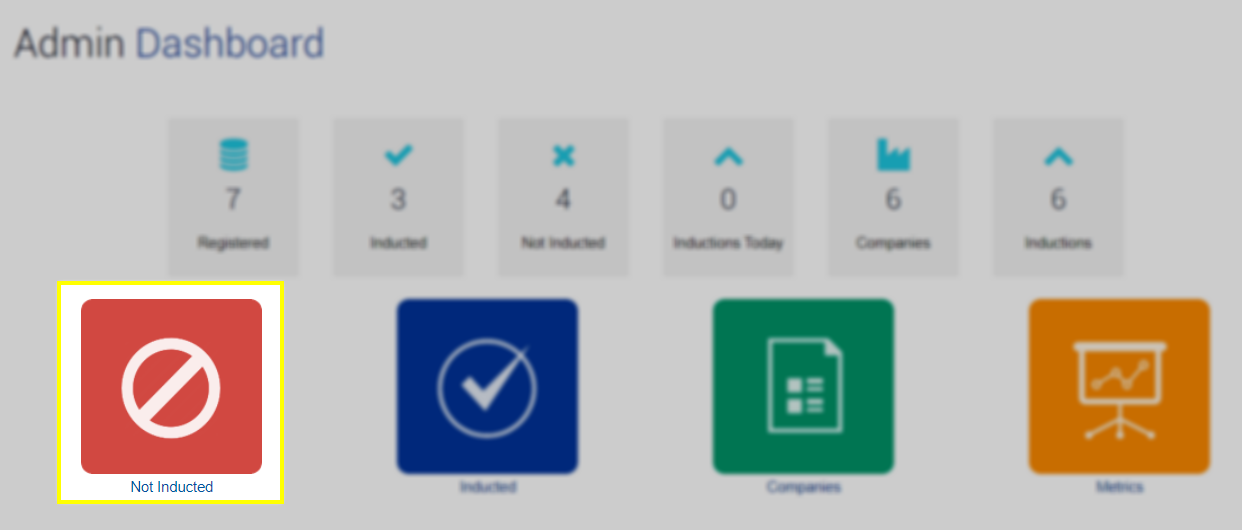
Navigate to the Not Inducted tile located at the top of the Admin Dashboard home page.
Step 2
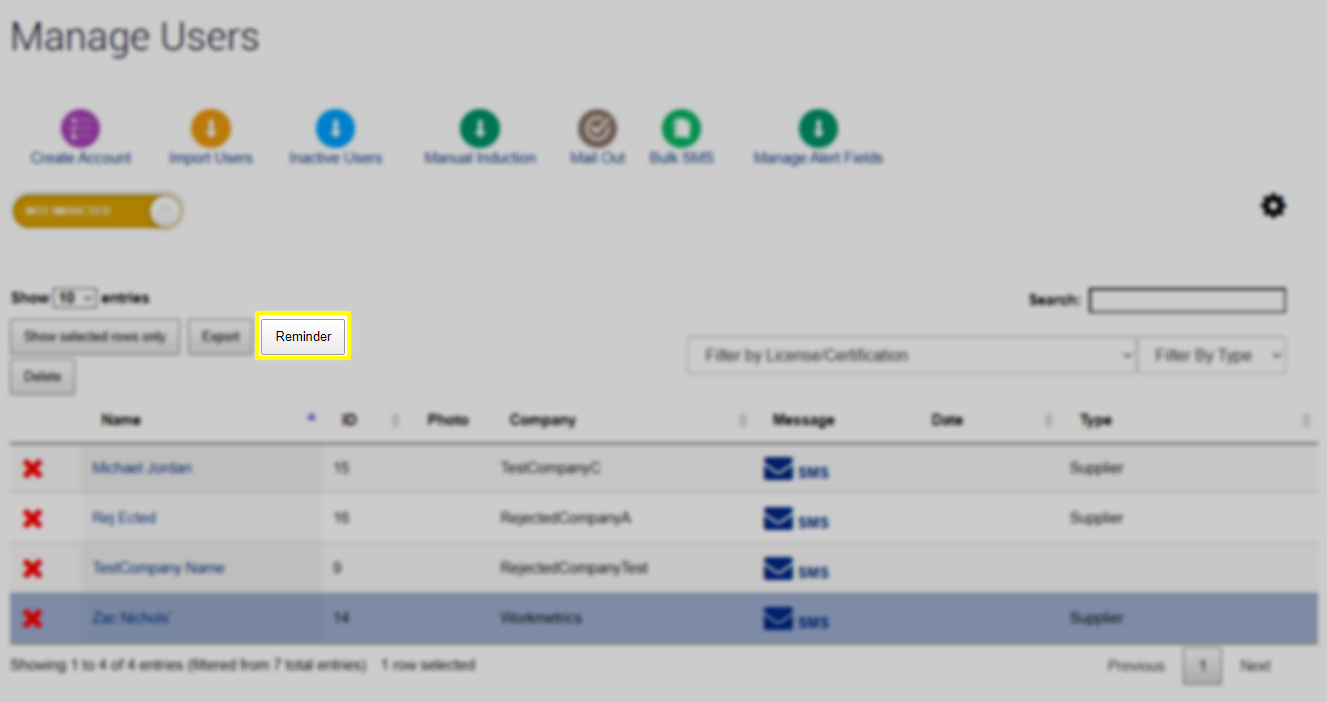
Highlight the users that you would like to send a reminder to. Users are selected by clicking on blank space within the row that contains their information. Note that it is possible to selected multiple users by holding in the CTRL button on your keyboard while selecting users.
Step 3
After selecting the required user/s click on the Reminder button highlighted below. You will not be able to click on this button unless a user is selected.
Step 4
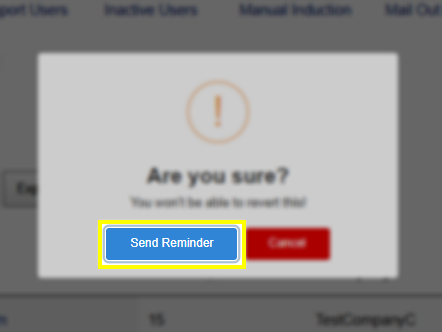
If the list of recipients is correct, click on the Send Reminder confirmation button. Emails will now be sent to the users that were highlighted in the previous step.
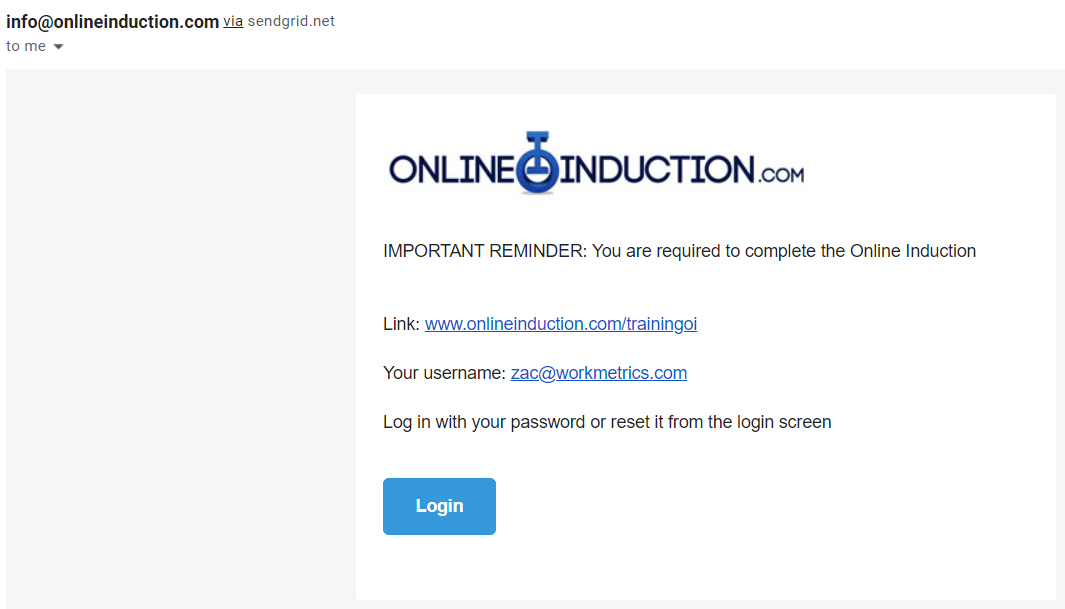
Below is an example of the email reminder that not-inducted users will receive:

Safety matters in and outside the workplace - read the full article here.
Our latest article talking about what insights and lessons learned. Check it out right here.
Check out our latest article about the best company induction design tips.
Check out our latest article about enhancing contractor management through mobile technologies.