Online Induction >> Online Induction Tutorials
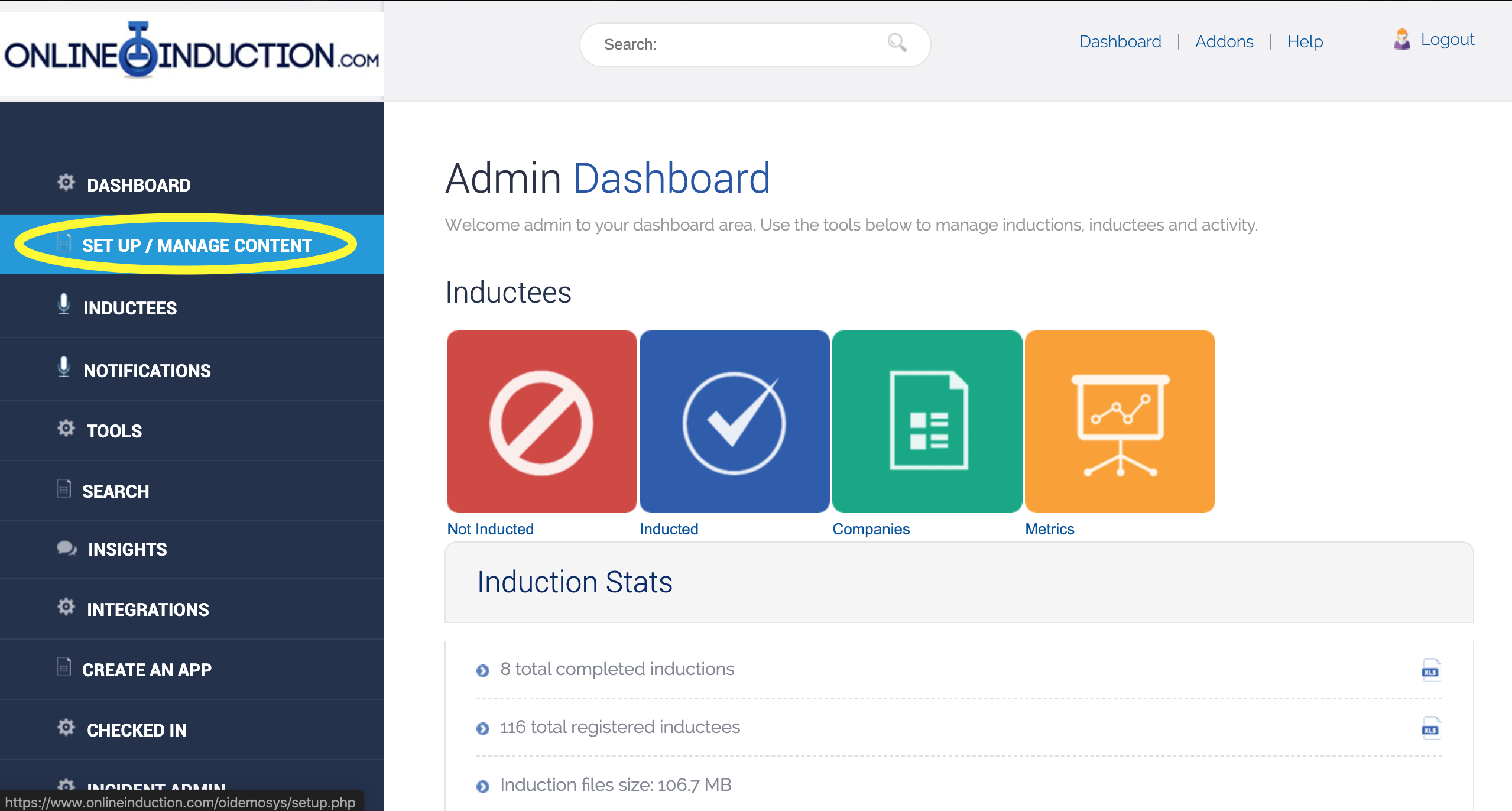
To set an induction period, first log in as an admin and then click setup/manage content
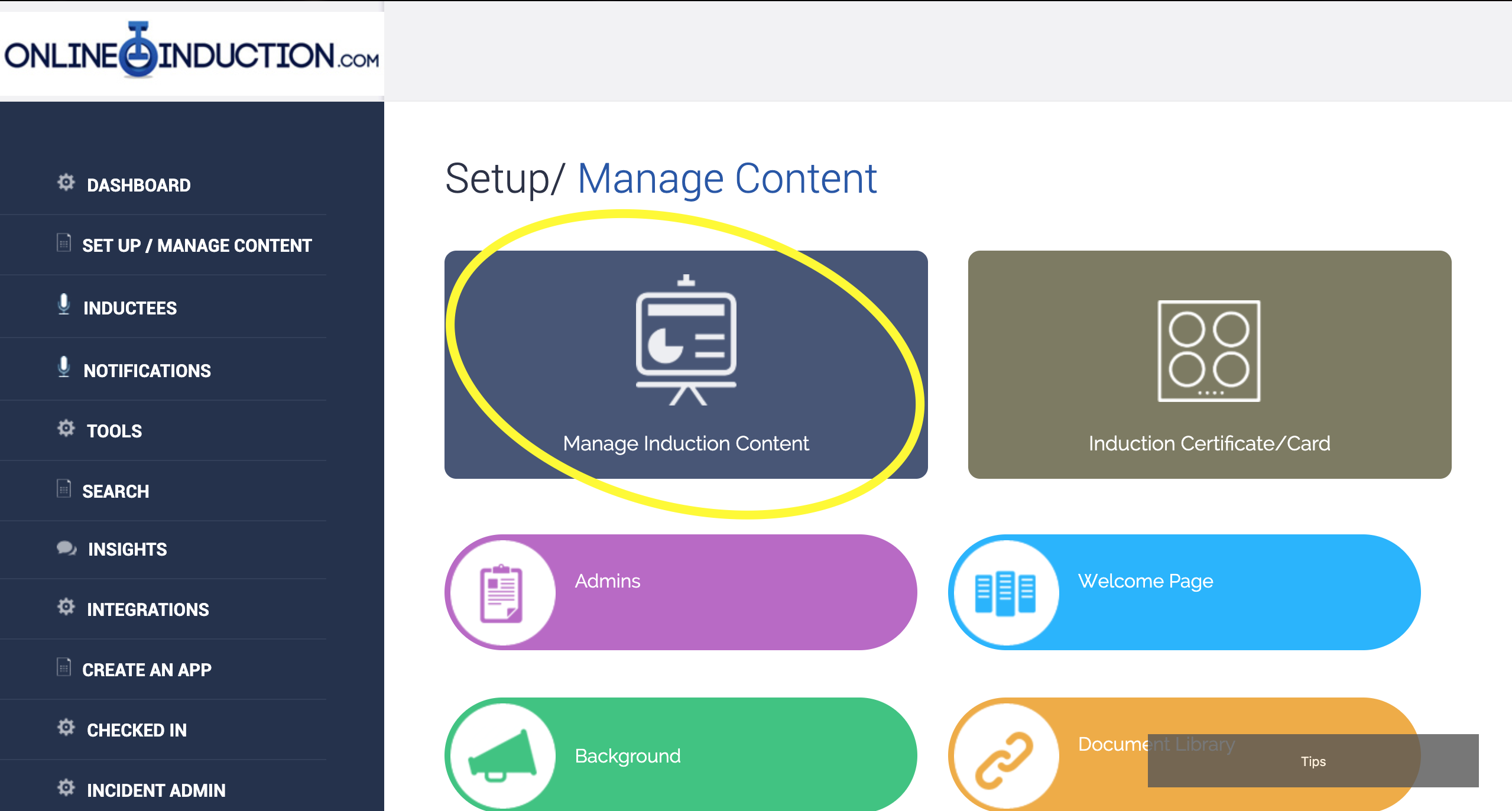
From here click on Manage Induction Content
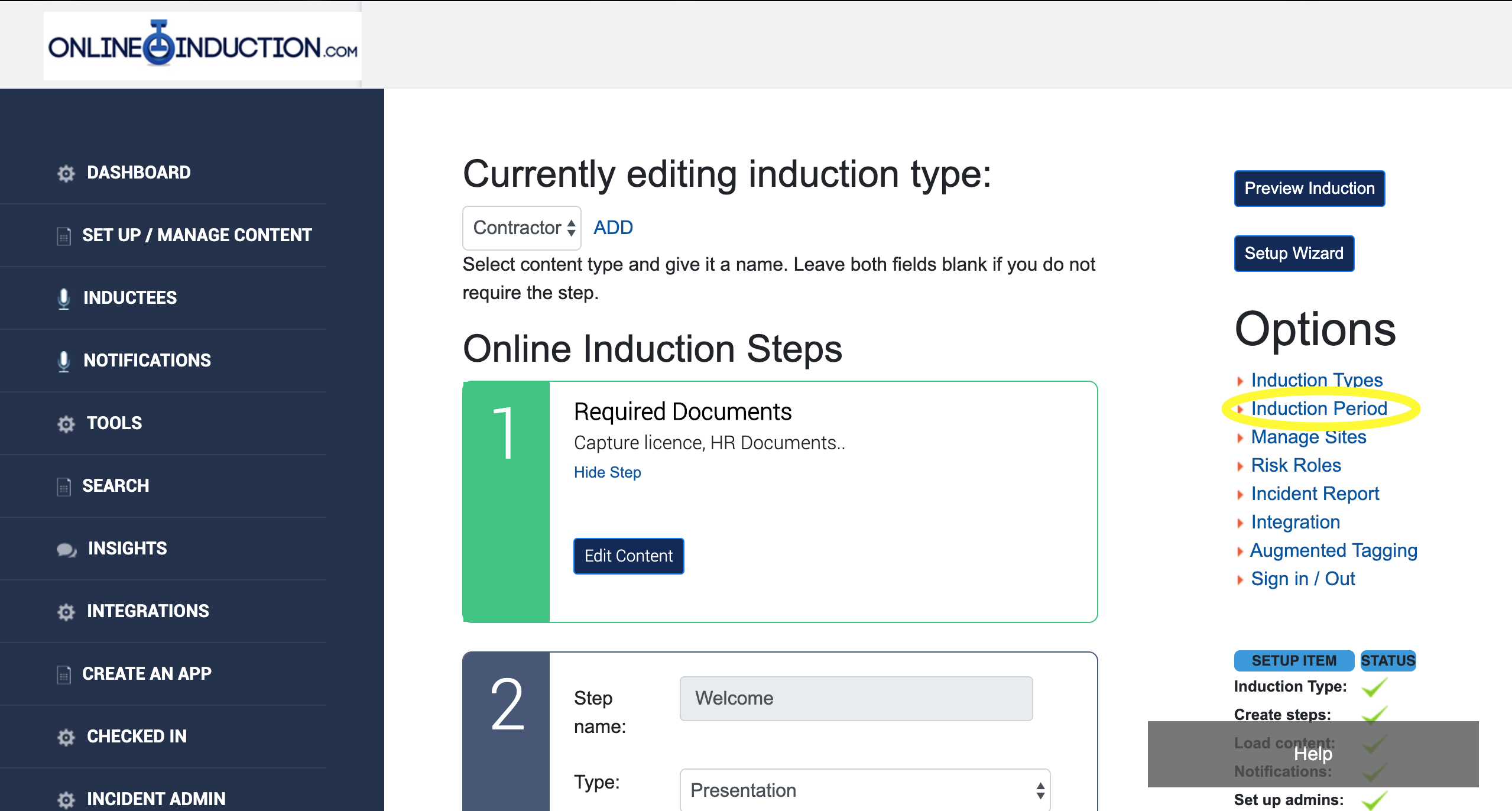
On the right hand side you will see a link titled induction period under the options menu.
Click on this link and you will be presented with a page showing two drop down menus. One will be for induction type and the other will be for the induction period. From here you will be able to set the length of the period that you require for the induction.

Safety matters in and outside the workplace - read the full article here.
Our latest article talking about what insights and lessons learned. Check it out right here.
Check out our latest article about the best company induction design tips.
Check out our latest article about enhancing contractor management through mobile technologies.