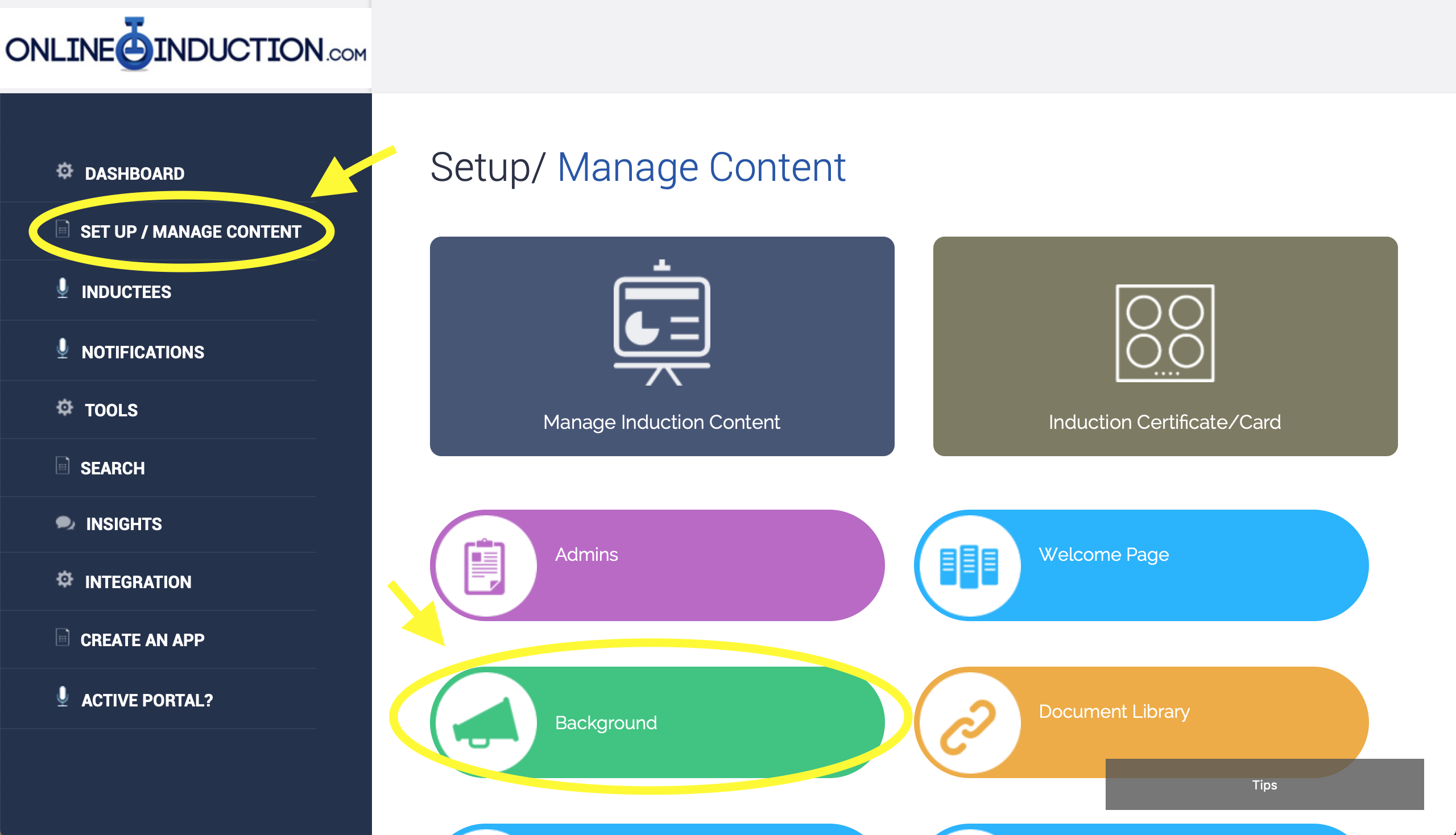
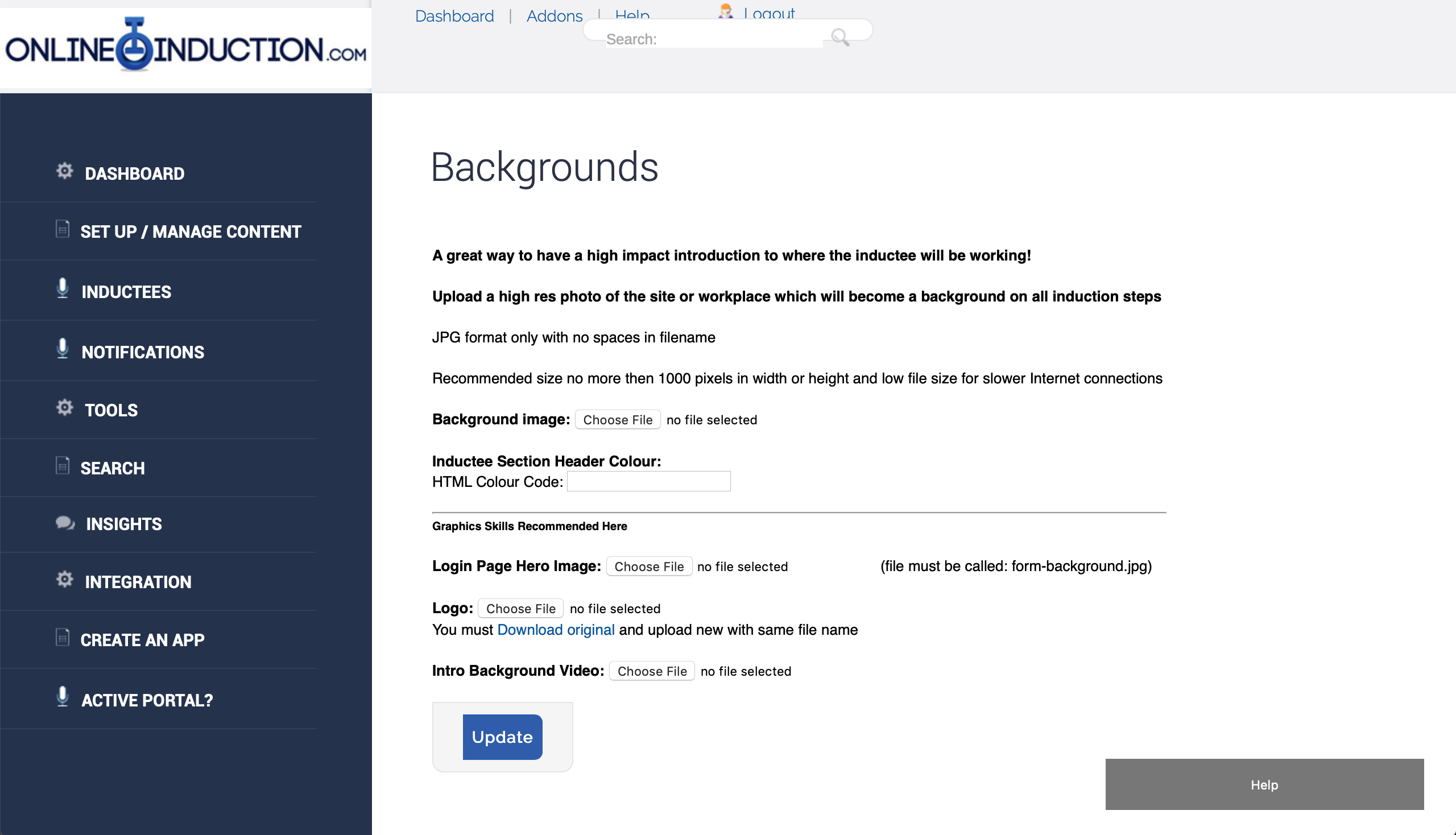
- Create the induction types first
- Enter in the steps you want per induction type
- Upload or create content per step
- Create notifications
- Link to your portal from your website
- Tell your users to register
Submit a support request
If you have a have a support request, please submit it below

Meet the Support Team!
Courtney Walker
Head Of Customer Success
Michelle Nikolic
Client relationships and support (Maternity Leave)
Robbie Henderson
Client relationships and support
Aisha Annamalay
Client relationships and support
Mitch Downey
Client relationships and support
Onboarding Team
Patricia Cuozzo
Product and Onboarding Lead
Cindy Bohl
Setup Success Team
Kayce Castle
Setup Success Team
Alexis Mckellow-Reading
Setup Success Team
Prequal & Training Team
Laura Williams
Trainer / Prequal Team
Hayley Golembka
Trainer/ Prequal Team
Destiny Rondon
Contractor Prequal Team
Sarah Loose
Contractor Prequal Team
Cam (Float)
Contractor Prequal Team