Online Induction >> Online Induction Tutorials
To archive a user highlight the users youd like to remove and click the archive button.
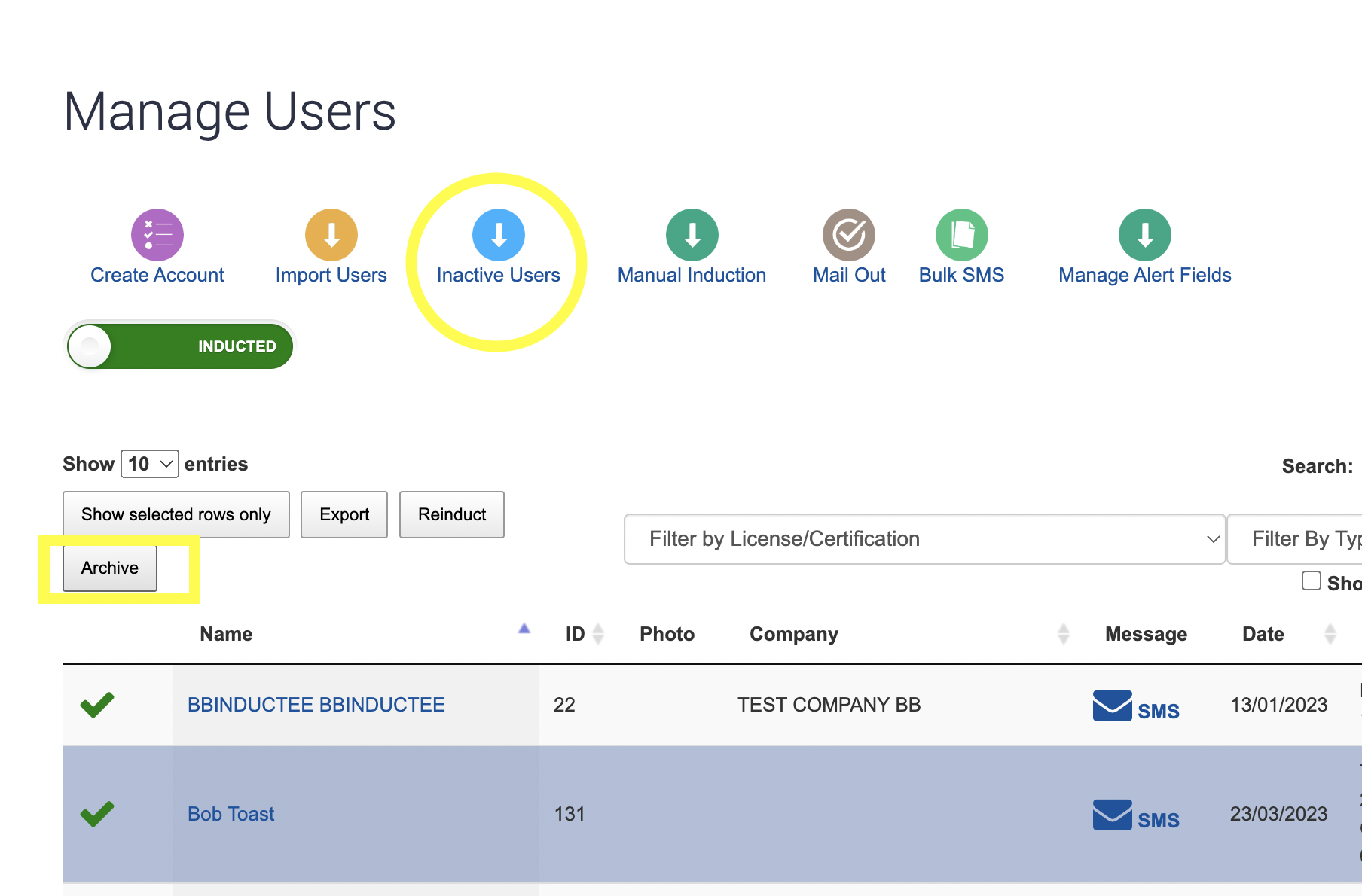
This will only remove their user account, they will move over to the Inactive Users area where you can move them back to active at any time.
To move a user back into the inactive users option, click the "Flag as active user" link.

You can make a user active/ inactive as many times as you like. Whilst marked inactive the user will not receive reminders on expiries of licenses or inductions and will not contribute to your overall stats, reporting exports.

Safety matters in and outside the workplace - read the full article here.
Our latest article talking about what insights and lessons learned. Check it out right here.
Check out our latest article about the best company induction design tips.
Check out our latest article about enhancing contractor management through mobile technologies.