Online Induction >> Online Induction Tutorials
Invite Users to Induct

How to invite users to complete inductions that already have an account.  

 
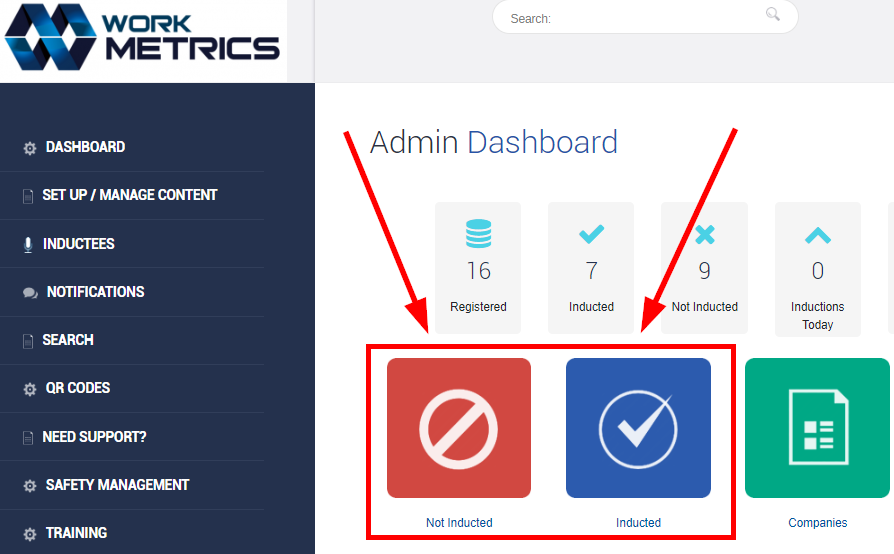
From your Admin Dashboard, select either the Not Inducted OR Inducted tiles.  


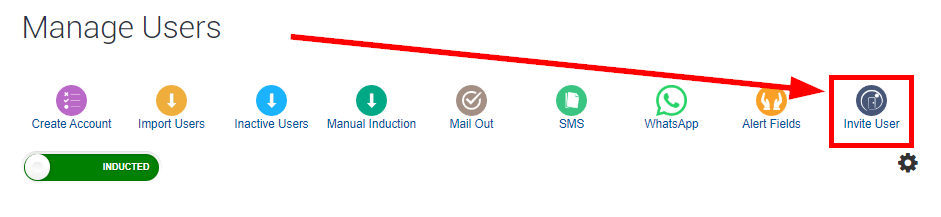
On the very lefthand side you will see the Invite User icon.   


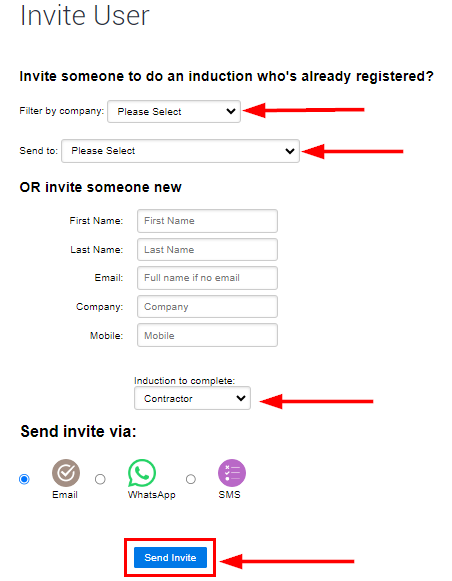
From here you can decide what type of users you want to be invited to induct, a user from within the system or someone external.   
 
You can also choose the delivery method to send the invite.  
Remembering that WhatsApp and SMS require credits to send.  


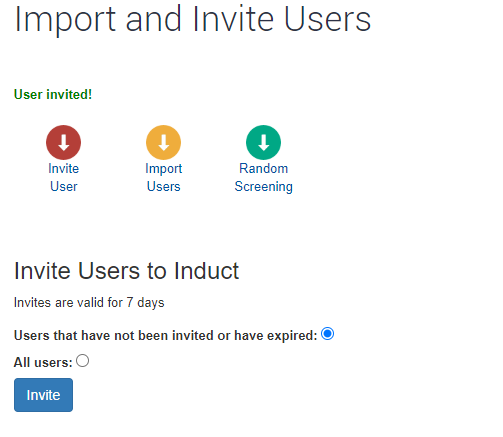
The user is now invited and will receive an email advising them of the request, along with a link to complete and their login credentials.

You will have a record of all the users you invite. 


  • Create the induction types first
  • Enter in the steps you want per induction type
  • Upload or create content per step
  • Create notifications
  • Link to your portal from your website
  • Tell your users to register


Meet the Support Team!

Steve Guthrie
Head Of Customer Success

Michelle Nikolic
Client relationships and support

Bella Luhetoa
Client relationships and support

Melissa Guy
Client relationships and support

Amy Collins
Client relationships and support

Robbie Henderson
Client relationships and support


Onboarding Team

Patricia Cuozzo
(Currently on Mat Leave)
Product and Onboarding Lead

Cindy Bohl
Setup Success Team

Sarah Loose
Setup Success Team

Kayce Castle
Setup Success Team

Courtney Walker
Setup Success Team

Alexis Mckellow-Reading
Setup Success Team


Training Team

Laura Williams
Trainer

Hayley Golembka
Trainer