You can preview an Induction to see the changes you have made while you are editing.
When you preview an Induction, you will be seeing what a user will see when they complete an Induction.
While you are in the Preview Induction mode you can select steps to view in any order, however when users are completing an Induction, they are forced to go step by step and must complete all areas of a step before the subsequent step unlocks.
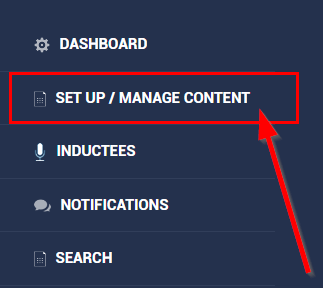
To find the Preview Induction area, select Set Up / Manage Content from the lefthand side of you Admin Dashboard.
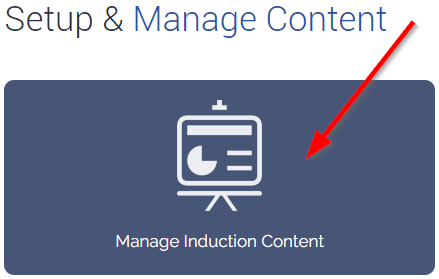
Select Manage Induction Content.
Select the Induction you want to preview.
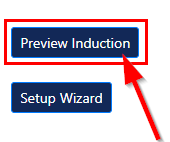
Select Preview Induction on the top righthand side, above the Options area.
You will be taken to the Induction – While you are previewing the Induction you can select any step to view in any order.