Online Induction >> Online Induction Tutorials
Enabling this feature
This feature is ideal for ensuring that person checking in and out on site is actually at the location they are scanning from (i.e. not scanning a photo of the QR code or trying to go to the link directly from the wrong location).
This feature can be enabled from the Sites Config area of your Work Sign Admin Dashboard.
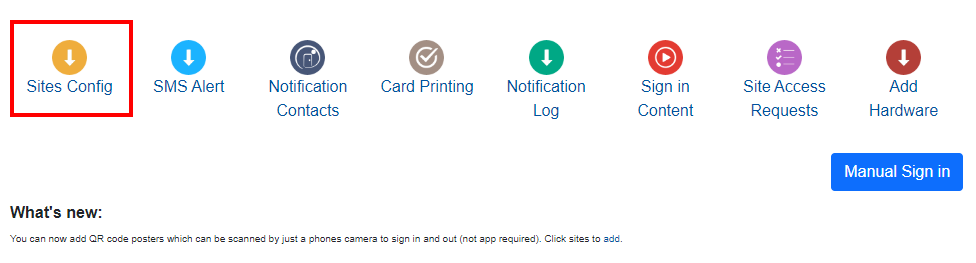
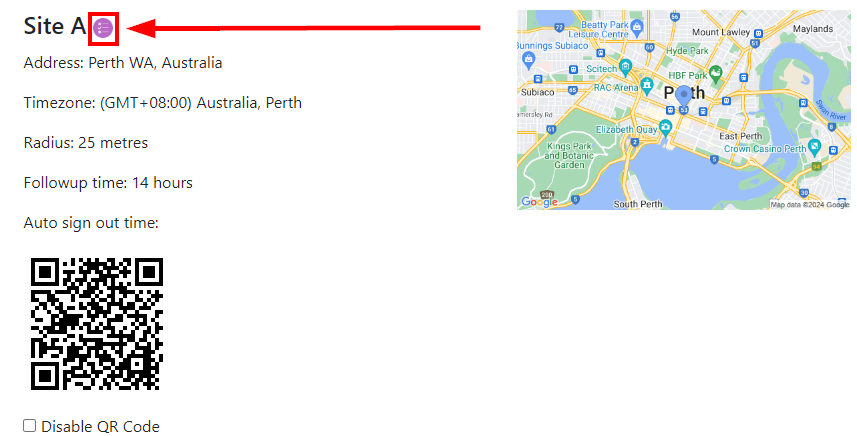
Find the site you want to edit and select the purple circle icon.
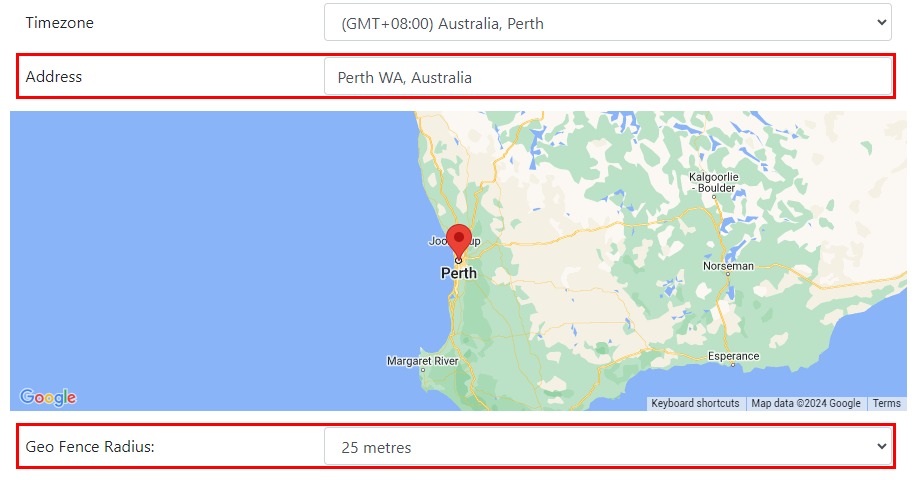
You can now edit this sites address as well as the sites geo fence radius.
You can then go to the Sign in Content area of your Work Sign Admin Dashboard.
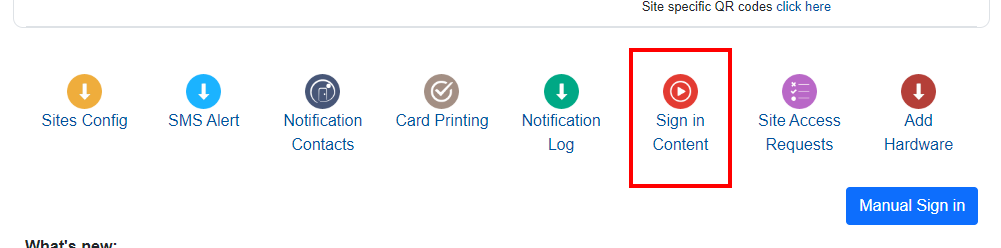
From here, scroll down and select the QR Code GeoFencing option. Remember to hit Update at the bottom of the screen to save and enable any changes you make.
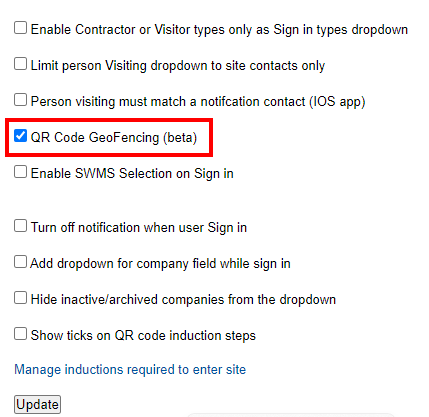
Once this feature is enabled your users will only be signed in via QR Code if they are within the location of that site.

Safety matters in and outside the workplace - read the full article here.
Our latest article talking about what insights and lessons learned. Check it out right here.
Check out our latest article about the best company induction design tips.
Check out our latest article about enhancing contractor management through mobile technologies.