Electronic Visitor Sign in System– Where to start
Find the right sign-in experience for your workplace—from a reception tablet to QR posters and multiple entry points.
Explore visitor sign-in options
- 01Choose your entry point
- 02Select your setup
- 03Build your workflow
- 04Welcome visitors
Setting up an electronic visitor sign in system involves considering a lot of options and pathways. Depending on your workplace environment and number of workplace sites or facilities you might have, there are a variety of different types of electronic visitor sign in in systems and approaches you might implement. To begin with, kind of workplace entrance environment do you have and are you working with multiple sites / facilities where visitors will be entering? It's important to work this out in order to know what kind of hardware you will be needing for each site or location entrance. If you have a reception area at each site, you might be better suited towards having an iPad or Tablet setup on a stand or reception display. Versus locations where the entrance is not monitored and therefore a wall mounted / sign sign in / sign out process might be more efficient.
Whether it be on an Android device or Apple tablet, contactless electronic sign in using QR codes or geo-fencing a site, there are lots of options to suit your type of workplace and workforce. A sign in system can help streamline your induction and permit to work process into the sign in process at the same time and as part of the same sign in workflow.
Explore this guide
- The Reception Electronic Visitor Sign in
- Different Electronic Visitor Sign in Approaches
- Multiple Locations / Unmonitored Checkin Locations
- Prescreening Questions
- Hardware: The Sign in Kiosk
- Hardware: The Wall Mounted Tablet or iPad
- Hardware: Sticker Printing
- Visitor Sign in System
- Induct Visitors as part of the sign in process
- Smart Visitor System: AI for Automated Verification and Access Control
- QR Code Sign In Poster
- Signing in system for many different workplace types
- Hardware: Reception Kiosk Setup
- Hardware: Turnstile / Swipe Access Setup
- Try creating your own electronic visitor sign in system setup
The Reception Electronic Visitor Sign in

A Reception Electronic Visitor Sign in system allows businesses to conveniently record and track visits by customers, vendors, and other guests. It ensures that all visitors or contractors have provided their basic contact information before entry into the secure premises and that they have done an induction. Other checks might include evidence of training or certification too. This advanced security measure essentially serves as a digital diary of who arrives at your office or facility on any given day - a modern complement to more traditional physical visitor logs.
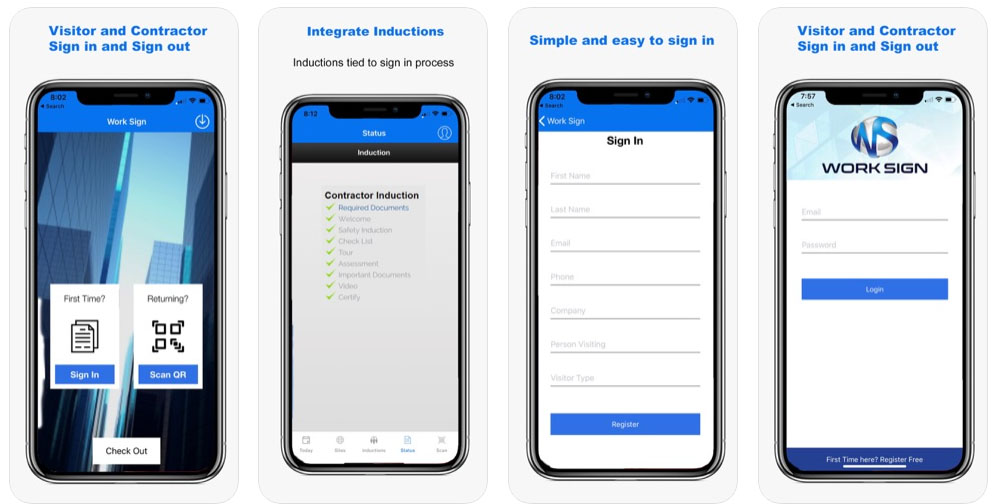
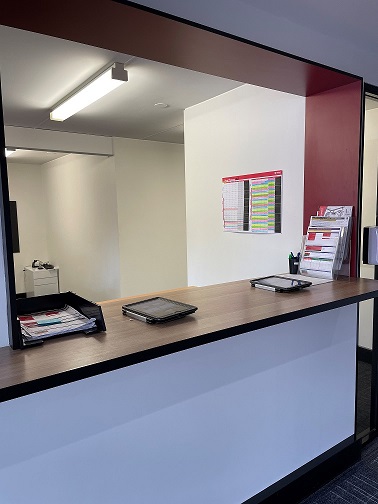
In the reception example, this means your visitors will arrive at a dedicated reception area and therefore can be directed to sign in via an electronic sign in system such as on a tablet or iPad. This is the most common type of sign in environment for a workplace. Reception may either be staffed or unstaffed and in either case, a tablet or iPad situated centrally for the visitor to sign in on where you might load the Work Sign App
- Perfect for creating a consistent sign in process
- Enhancing your reception experience and welcome
- Replace the paper based sign in book
- Setup different sign in experiences for different visitor types (delivery, contractor or visitor)
- Front desk sign in
- Digital sign in sheet
- Customer sign in and tracking
- QR code poster approach for contactless sign in
- Link other workflows in (risk assessments, permit to work checks)
Different Electronic Visitor Sign in Approaches
Multiple Locations / Unmonitored Checkin Locations
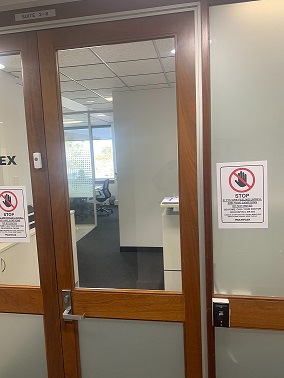
Where visitors can wander in to a facility, campus, grounds or other type of workplace where there is no centralised visitor reception area, or no monitored or manned reception, a more self check style may be appropriate. Here a different type of electronic sign in system configuration is required where you might have a self managed approach via a wall mounted sign in system or more of a kiosk style when the visitor first enters. It will be the visitors responsibility to sign in and sign out on their own and so its important that the electronic system you establish is both prominent in the entry point and autonomous. It may be required in each corridor or entrance to your facility or be configured to be used at night.
Prescreening Questions
A prescreening form is a common part of the sign in process for capturing next of kin through to security or health questions to check if the worker is fit for work or acknowledges important policies.
Create custom sign in workflows
Hardware: The Sign in Kiosk
A kiosk style is typically a combined monitor and keyboard style sign in setup that is Internet connected and designed for the self check in for visitors. Using a bigger monitor you can create far more engaging sign in experiences including more visually engaging and interactive high impact visitor inductions. Compared to an iPad or tablet where it might be limited to screen size restrictions.
Hardware: The Wall Mounted Tablet or iPad
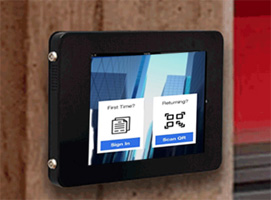
This is very common for workplaces that need to put something up on a wall at the entrance to a facility or workplace (especially if there are multiple entrances). The visitor simply walks up to the tablet or iPad, signs in, accesses visitor induction content and emergency procedure information and are then checked in.
Hardware: Sticker Printing
Putting in place a sticker printer can be done as both a monitored or non monitored setup. Using a wireless sticker printer, the visitor can generate a sign in sticker that is printed automatically when they sign in. The sticker itself might include their photos, name and company.
Visitor Sign in System
The sign in process is just one small part of an overall visitor sign in system. Commonly different workflows are triggered based on the type of visitor. For example, each of the below visitor types might see different sign in content to be inducted on as part of their visitor sign in.
- Member of the public
- Corporate visitor
- Work experience
- Someone coming for an interview
- Consultant doing work
- Emergency worker
In each of these visitor types, some might have a higher risk level than others due to their length of time on site and job activity in the workplace and so they might then require more detailed content to be inducted on and further materials to be collected. A visitor sign in system sets up notification workflows, content workflows and other systemised processes based on the role type signing in.
Induct Visitors as part of the sign in process
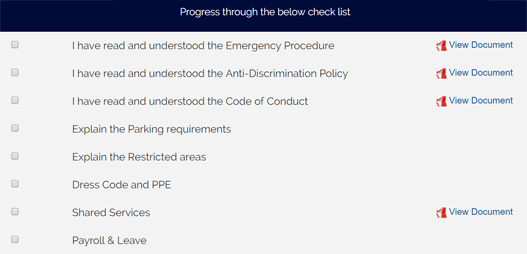
There are some really fantastic ways you can ensure all visitors are inducted as part of their sign in process. One might be via a kiosk style setup where they see important site specific emergency content such as emergency procedures to be aware of or anything they need to know about hazards, risks or other important site information. If there is a pre-induction process, you can ensure they are inducted as part of their visitor sign in. If they aren't inducted, it'll ensure they are as part of their next sign in. QR code posters are another style where you can setup a poster, visitors scan it with their phone to sign in, if cross checks if they are inducted or not and takes them to the induction from that sign in.
Key take aways:
- check induction status as part of sign in
- if not inducted, take them to the induction
- visitor induction might consist of emergency procedures or site hazards to be aware of
- could be done via a kiosk or tablet style sign in setup or QR code poster to scan
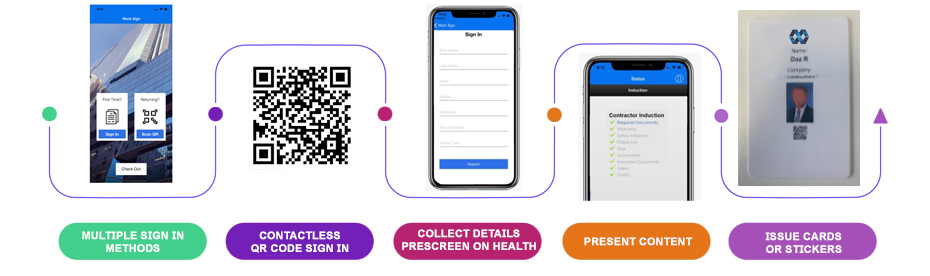
A visitor’s sign-in journey
An illustrative workflow. Expand each step to explore the experience.
01 · Arrive and choose a sign-in method
The visitor approaches a reception tablet or scans the QR poster at the entrance.
02 · Enter details and answer questions
The visitor supplies their details and completes the questions configured for their visitor type.
03 · Check induction status
The configured workflow checks whether the required induction is complete and directs the visitor to outstanding content.
04 · Complete the sign-in workflow
Required checks are completed before the sign-in is recorded, with notifications or access steps according to your setup.
Smart Visitor System: AI for Automated Verification and Access Control
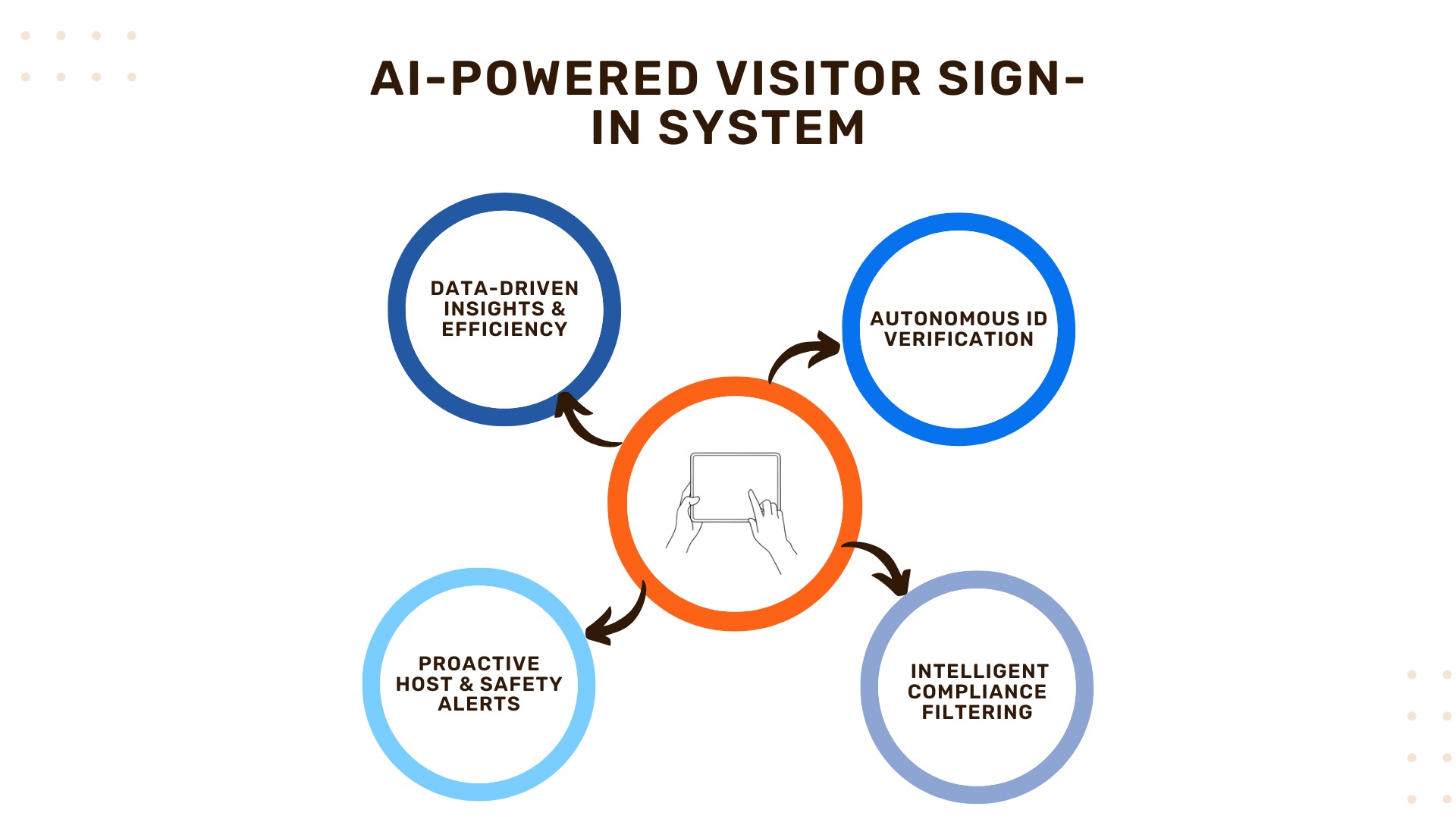
While current electronic sign-in systems automate paper logs, AI integration moves them into the realm of advanced security and autonomous compliance. AI ensures that the verification process is not only fast and convenient but also more secure and reliable than ever before.
Key AI-Driven Sign-in Features
- Autonomous Identity Verification: AI-powered facial recognition models can instantly match the live camera image of the visitor against a secure database, providing fast, frictionless and secure identity confirmation. This feature is critical for eliminating fraudulent sign-ins and improving security, particularly in unmonitored locations.
- Intelligent Compliance Filtering: The AI system analyzes the visitor's declared role and activity, instantly comparing it against mandatory requirements like Permit to Work status or expiring certifications. If a check is missing, the AI triggers a specific induction module or prescreening question, ensuring zero-risk access control by only addressing the non-compliant item.
- Predictive Alerting and Host Automation: AI analyzes sign-in patterns, time-on-site and scheduled appointments to proactively alert the host (via email/SMS) moments before the visitor arrives, or to flag unusual activity (e.g., a visitor has not signed out after a long period), enhancing overall site safety management.
By leveraging AI, your electronic visitor sign in system becomes a proactive security layer that automates complex compliance checks while maintaining a superior reception experience.
QR Code Sign In Poster
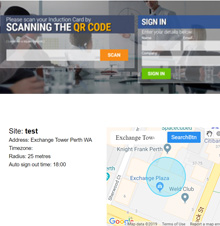
One of the easiest and low friction ways to set up your sign in system is to use QR code posters. The visitor simply scans the QR code poster to sign in on site.
- no hardware needed, just generate QR code posters to scan
- could be rolled out easily for different sites, facilities, buildings and more
- customise each poster
Signing in system for many different workplace types
A multi purpose signing in system that can be used across many different workplaces, from schools to councils, receptions in an office through to facilities, warehouses and buildings.
Hardware: Reception Kiosk Setup
Whether it be wall mounted, deck mounted or tablet based sign in / sign out kiosks, create an easy to use sign in system setup that contractors, employees, visitors or other role types can easily use to sign in and out of the workplace
Hardware: Turnstile / Swipe Access Setup
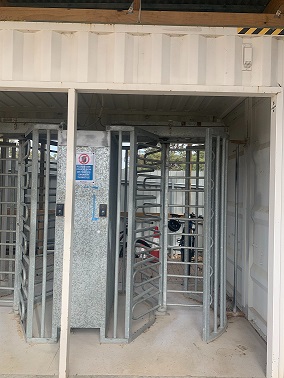
Another option might be for setting up turnstile or swipe access hardware and a sign in system that controls access linked to compliance status, induction checks, prescreening and more.